QR Code Menu for Hotels
Updated July 18, 2026 · by the QRHut team
A small card by the phone, a code on the minibar, a sticker at the pool bar — and every menu in your hotel is current, everywhere, without reprinting a single in-room directory.
The hotel menu problem
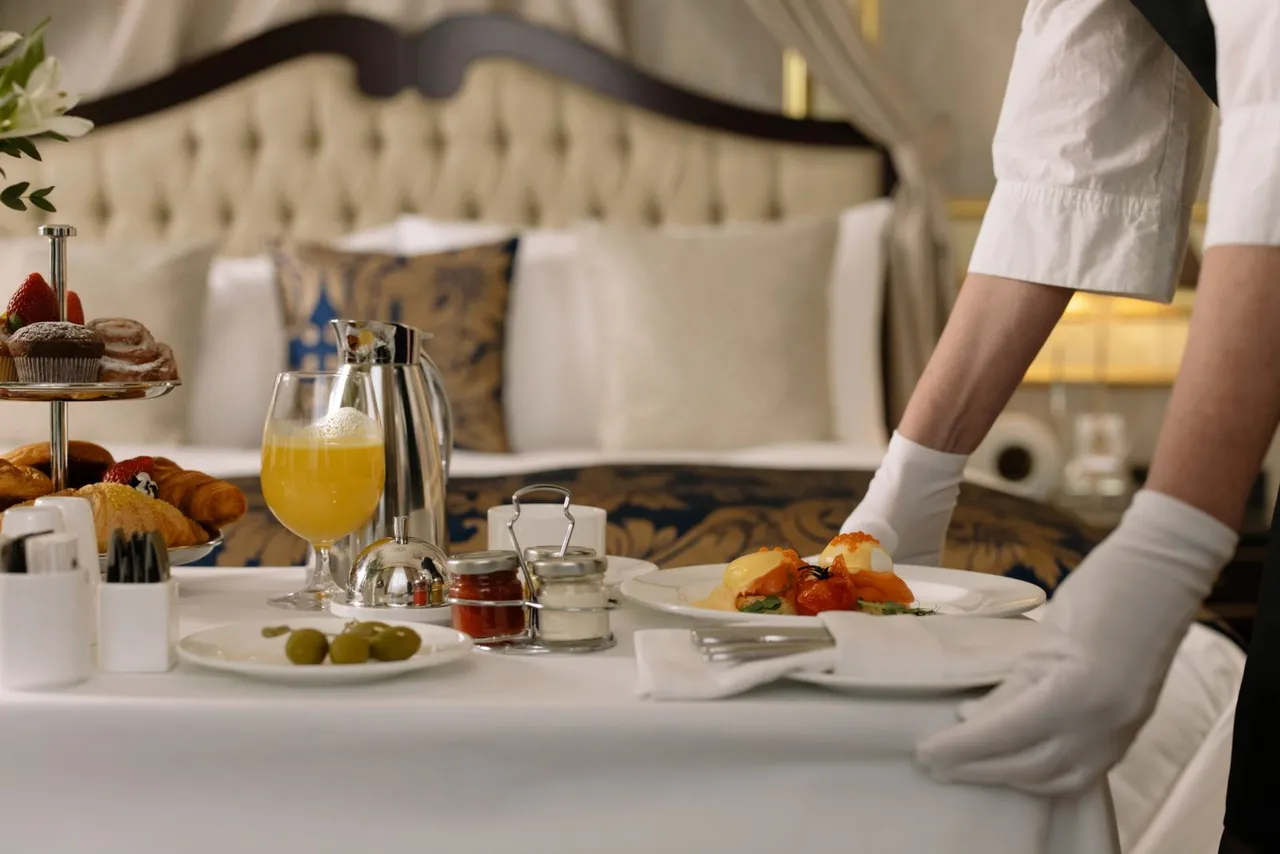
Hotels don't have one menu — they have many: room service, the restaurant, the breakfast buffet, the pool bar, the spa price list. All of them printed, bound into in-room directories, and expensive to replace across 40, 100, or 300 rooms every time the kitchen changes a dish. That's exactly the problem acontactless digital menu removes: print a QR code once per room, and change what's behind it centrally.
Where hotels use QR code menus
- Room service — a card by the phone or on the desk replaces the printed directory insert.
- The restaurant — table tents for dinner, plus a code at the entrance with opening hours.
- Pool and lobby bars — weatherproof stickers where paper menus don't survive.
- The concierge desk — one code linking to a hub with every menu and price list.
- Spa and services — treatment lists and prices, updated without reprinting brochures.
Why dynamic QR codes matter at hotel scale
The economics are simple: if a menu change means replacing printed codes, multiplying by 200 rooms makes it painful. QRHut codes are dynamic — each code points to a permanent link, and you change the menu behind it in one place. The cards in your rooms keep working through every seasonal menu, price adjustment, and chef change.
- Update once, live everywhere — from the front office, in seconds.
- Per-outlet codes — room service, restaurant, and bar each get their own code and stats.
- Scan analytics — see which outlets guests actually browse, and when.
- No app, no friction — international guests scan with the camera they already have.
Managing multiple properties
QRHut's Free plan covers a single property with unlimited scans — free forever. Hotel groups can manage up to 5 properties on Standard ($29/month) or up to 100 on Premium, with user management so each property's team updates only its own menus. See pricing for details.
Set it up before tonight's turndown
- Sign up free and upload your room service menu (the existing PDF works).
- Download the QR code and add it to your in-room card template.
- Print the cards once — then update the menu behind them whenever the kitchen does.
Want the general walkthrough first? Readhow to create a QR code menu, or see howrestaurants andbars set up their codes.