Free forever — no credit card
Free QR Code Menu for Your Restaurant
Turn the menu you already have — a PDF, photo, or link — into a scannable QR code in under 2 minutes. Change your menu anytime; the printed QR code never changes.
- Unlimited scans
- No app for guests
- Nothing to reprint — ever
Trattoria Sole
Dinner Menu
- Burrata & Heirloom Tomato$14
- Margherita Pizza$16
- Truffle Tagliatelle$22
- Tiramisu$9
Scan for our menu
Point your camera — it really works
- 2 min
- average setup time
- $0
- to get started, forever
- ∞
- scans on every plan
- 0
- apps your guests install
How It Works
From PDF to Scannable Menu in 3 Steps
Upload your menu
A PDF, a photo, or a link to any page — even Google Drive. Whatever you already have works as-is.
Print your QR code
We generate your unique QR code instantly. Customize its colors, download it, and put it on tables, counters, or windows.
Update anytime
New prices, new dishes, new specials — swap the file and every printed code shows the new menu. Nothing to reprint.
The Part That Saves You Money
Print Your QR Code Once. Change Your Menu Forever.
Free QR generators give you a static code: it points straight at one file, so every menu change means new codes, new printing, new table tents. QRHut codes are dynamic — the code points to your permanent QRHut link, and you decide what's behind it.
Static QR: price change → regenerate code → reprint everything → hope nobody scans the old one.
QRHut: price change → upload new file → done. Every code you ever printed now shows the new menu.
Same printed code — new menu behind it, in seconds.
Features
Everything a QR Code Menu Should Do
Unlimited scans, free
Every plan — including Free — comes with unlimited scans. Your busiest Friday night never hits a limit.
Works with what you have
PDF, photo, Google Drive file, or any web page. No rebuilding your menu in someone else's editor.
QR codes in your brand colors
Customize foreground and background colors so the code looks like it belongs on your tables.
Scan analytics
See how many guests view your menu, when they scan, and which devices they use — data paper can't give you.
No app for guests
Guests scan with the camera they already have. The menu opens in the browser in seconds.
Cheaper and greener than paper
Stop paying for print runs every time a dish changes. Less waste, lower costs, always current.
Who It's For
One QR Menu, Every Kind of Venue
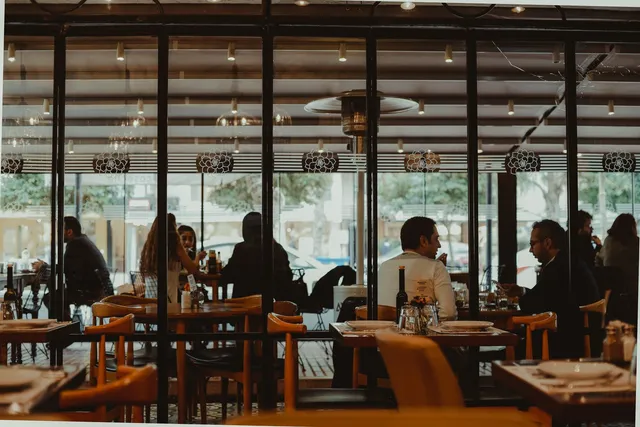
Restaurants
Dinner menus, wine lists, and daily specials on every table.

Cafes & Coffee Shops
Seasonal drinks and pastry cases that change daily.
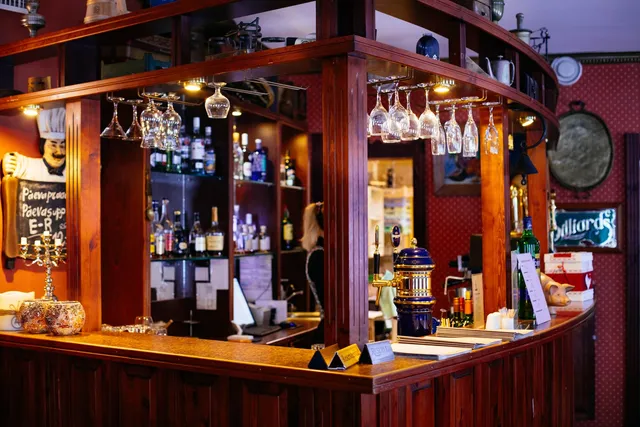
Bars & Pubs
Cocktail lists and rotating taps without reprinting a thing.
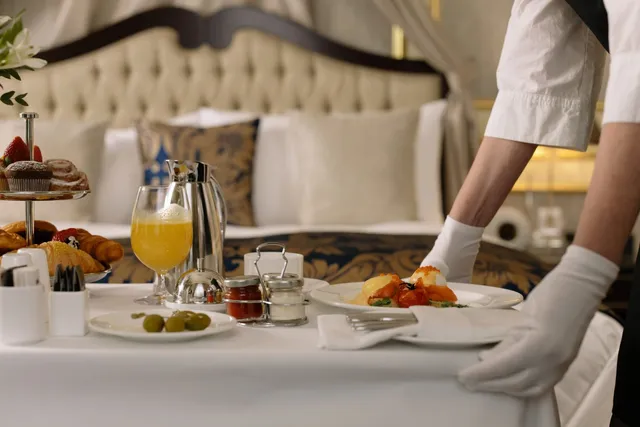
Hotels
Room service and restaurant menus in every room, updated centrally.
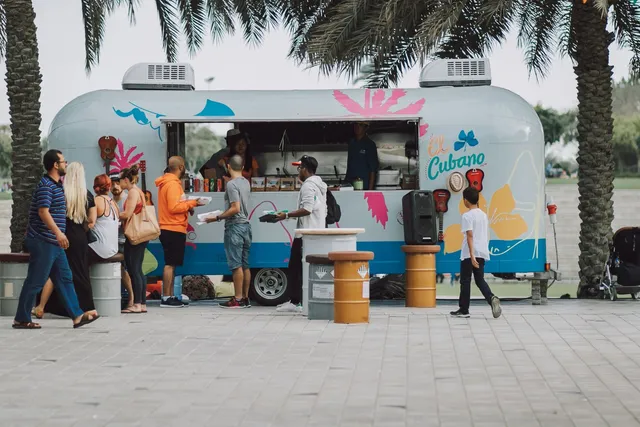
Food Trucks
One sticker on the window serves the whole queue.
Something else?
Bakeries, ghost kitchens, wineries, salons — if it has a menu or a price list, QRHut works.
Start Free
Paper vs. Digital
What Switching Actually Changes
| Paper menus | QRHut QR menu | |
|---|---|---|
| Cost of a menu change | New print run, every time | Free — swap the file |
| Time to update prices | Days (design, print, deliver) | Under a minute |
| Out-of-date menus floating around | Always a risk | Impossible — one live version |
| Today's specials | Handwritten inserts | Edit and it's live everywhere |
| Know how many guests read it | No idea | Scan analytics built in |
| Hygiene | Passed hand to hand all day | Guests use their own phone |
Testimonials
What Restaurant Owners Say
“Transitioning to a digital menu with QRHut was seamless and cost-effective. Huge plus for customer satisfaction!”
AH Alex H.
The Gourmet Bistro
“Our customers love the contact-free menus! It's fantastic not having to reprint menus constantly.”
SL Sara L.
Café Tranquilo
“After adopting QR Menu, we've cut our operational costs by simplifying operations and boosting efficiency.”
GP Giuseppe P.
Bella's Pizzeria
Pricing
Start Free. Stay Free. Upgrade Only If You Grow.
- Most restaurants start here
Free
$0forever
Everything one restaurant needs to go digital.
- 1 restaurant
- Unlimited scans
- Unlimited menu updates
- Printed QR never changes
- No credit card required
Standard
$29/month
For growing teams and multiple locations.
- Up to 5 restaurants
- Unlimited scans
- Unlimited menu updates
- User management
Premium
$199/month
For chains, groups, and franchises.
- Up to 100 restaurants
- Unlimited scans
- Unlimited menu updates
- User management
- Scan analytics
No credit card required for the Free plan. Wondering how this compares to printing? Read how much a QR code menu costs.
FAQ
Frequently Asked Questions
How do I create a QR code menu for my restaurant?
Creating a QR code menu with QRHut is simple. Upload your digital menu (a PDF file or just a photo) to our platform or any file hosting service like Google Drive, and we instantly generate a unique QR code for you. Place the code in visible spots around your restaurant and guests can start scanning right away.
How quick is the setup process?
Minutes! Paste a link to your PDF menu or upload it on our platform, download your QR code, and it's ready to print and use.
Is QRHut really free?
Yes. QRHut offers a Free plan that is free forever — a great way to launch your first free QR code menu at no expense. For multiple restaurants, user management, and analytics, you can upgrade to our Standard or Premium plans.
Is there a limit to how often I can update my QR menu or how many times guests can scan it?
No limits. Update your menu as often as you need without changing the QR code, so your menu always shows current items and prices. Guests can scan your QR code as many times as they want — every plan includes unlimited scans.
How do customers access my menu through the QR code?
Customers open the camera on their smartphone and point it at the QR code. They're instantly taken to your online menu in their browser — no app or software to download.
Do customers need a special app to scan the QR code?
No. Modern smartphones have QR code scanning built into the camera app, so there's nothing for your customers to install.
Can I track how many people scan my QR code menu?
Yes. QRHut gives you scan analytics showing how many times your QR code has been scanned, so you can measure customer engagement over time.
Can I link more than just a menu to the QR code (like promotional videos or a reservations page)?
Absolutely. You can link any URL to your QRHut code — menus, promotional content, reservation pages, or your restaurant's social media.
What happens if I need to change the document or page my QR code links to?
With QRHut you can update the linked document or page anytime without generating a new QR code. Your printed codes keep working — no reprints needed.
Your Free QR Code Menu Is 2 Minutes Away
Upload the menu you already have, print your code, and never pay for a menu reprint again.
Create My Free QR Menu- Free forever
- No credit card
- Setup in minutes