QR Code Menu for Food Trucks
Updated July 18, 2026 · by the QRHut team
Your kitchen moves, your menu changes daily, and your 'dining room' is a queue on the sidewalk. A QR code menu is built for exactly that.
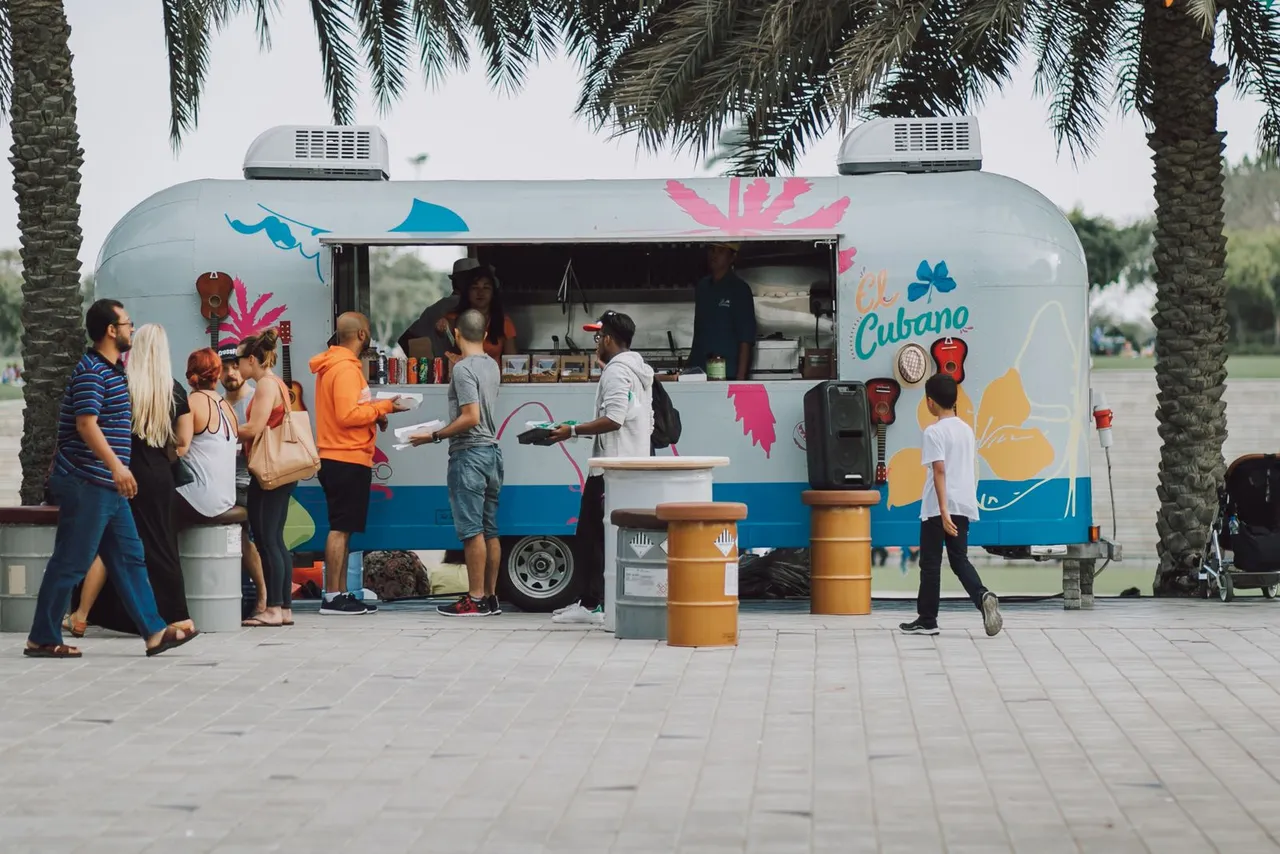
Why food trucks run on QR menus
- The queue orders faster. A sticker on the service window and a sign at the end of the line mean customers decide while they wait. Faster decisions, shorter queue, more covers per hour.
- 86 items from your phone. Ran out of brisket at 1 p.m.? Update the menu between orders — no crossing things out with a marker.
- No menu board real estate. Truck panels are small and repainting them is expensive. Your full menu, with photos and descriptions, lives behind one code.
- Festival-proof. Special event menu? Different prices for a private gig? Swap the file for the day and swap it back — the printed code never changes.
- More than a menu. Point the code at a hub with your menu, schedule, locations, and Instagram — the same code markets the truck when it's parked.
Where to put the code on a truck
- The service window — at eye level for the person ordering.
- The side panel — big and visible from the middle of the queue.
- A-frame sign — at the end of the line: "Scan to see the menu while you wait."
- Napkin holders and tip jar — for the counter-adjacent crowd.
Outdoor tip: print codes bigger than you think (at least 5×5 cm for scanning from a queue), laminate or use vinyl stickers, and test a scan in direct sunlight — glossy lamination can glare. More placement patterns in our QR code menu examples.
Free is the right price for a truck
Margins on wheels are tight. QRHut's Free plan — one business, unlimited scans, dynamic QR code — is free forever, no credit card. That's the whole setup cost:here's the full cost breakdown if you're comparing options.
Go live before the lunch rush
- Sign up free and upload your menu — a phone photo of your board works to start.
- Order a vinyl sticker of your code for the window.
- Update the menu from your phone whenever the kitchen changes.
The full setup is covered in how to create a QR code menu. Also serving from a fixed spot? See our guides for cafes andrestaurants.