QR Code Menu for Bars and Pubs
Updated July 18, 2026 · by the QRHut team
Tap lists rotate weekly, cocktails change with the season, and happy hour has its own prices. A QR code menu keeps all of it current — without laminating anything ever again.
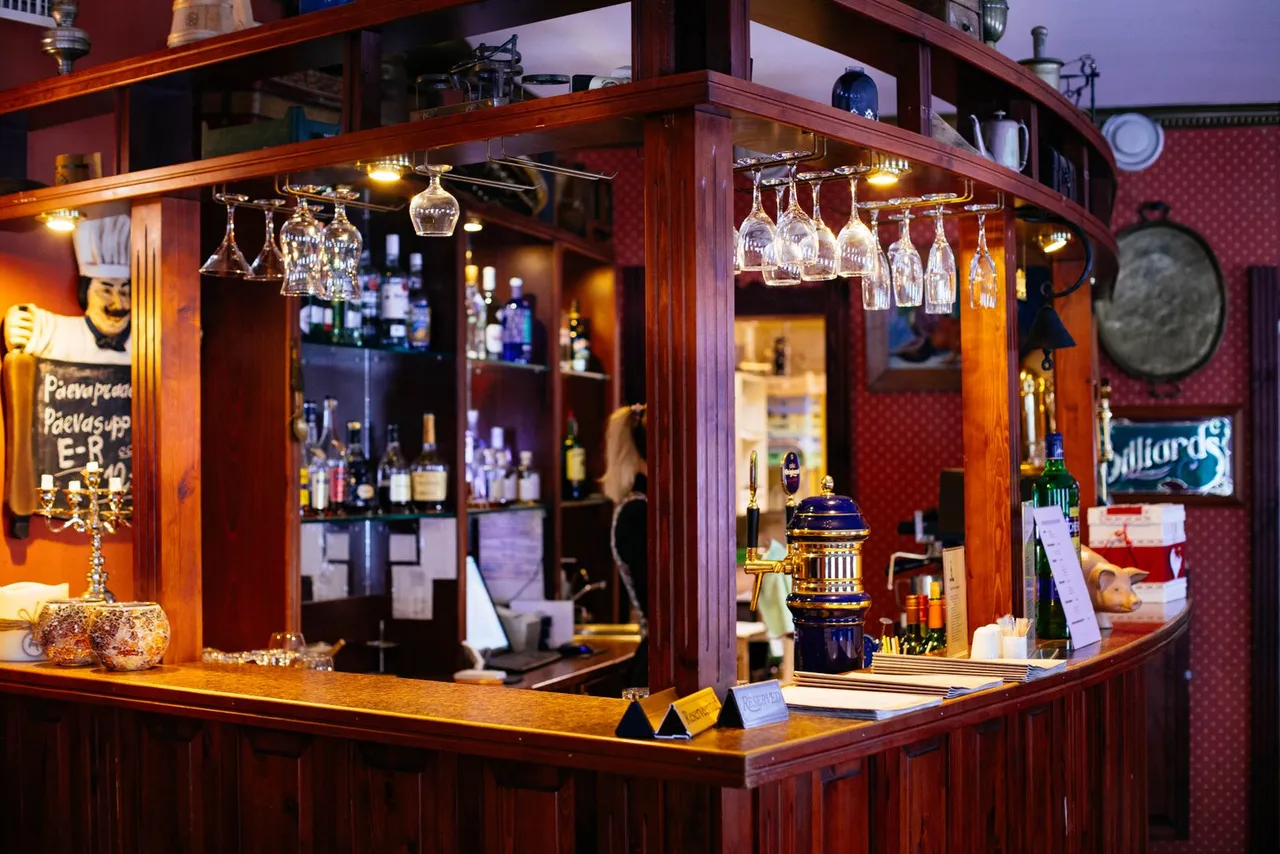
Why bars are a perfect fit for QR menus
- Rotating taps, zero reprints. Kicked a keg mid-shift? Pull the beer from the digital list in seconds — every code on the bar now shows what's actually pouring.
- Happy hour that switches itself. Link your code to a page or PDF you update on schedule, so 5 p.m. prices never linger at 9 p.m.
- Menus that survive a bar. Paper menus get soaked, torn, and sticky. A QR sticker wipes clean and never needs replacing.
- Guests order faster in a crowd. In a packed, loud room, guests browse the full cocktail list on their own phone instead of flagging staff to ask what's on tap.
- Know your busy hours. Scan analytics show when guests hit the menu hardest — useful for staffing and specials.
Placement tips for low light
Bars are darker than dining rooms, so placement and contrast matter more:
- Bar-top stickers and coasters — right where drinks are ordered.
- Table tents near candles or lamps — put codes where there's already light.
- High contrast codes — with QRHut you can customize colors; keep dark-on-light and print larger than usual (4×4 cm is safer in dim rooms).
- By the taps — a code on the drip tray card for guests seated at the bar.
Phone cameras handle low light well, but always test a scan from a bar stool under your actual evening lighting — the same advice we give in ourguide to creating a QR code menu.
One code, every list
Beer, cocktails, wine, and the kitchen's late-night snacks don't have to share one cramped page. Link your QRHut code to a simple hub page with all your lists, or run separate codes for the bar and the tables. Because the code is dynamic, you can restructure everything later — the printed codes keep working. See QR code menu examples for hub-page setups that work well.
What it costs
Nothing to start: QRHut's Free plan covers one venue with unlimited scans, free forever. If you run several bars, paid plans add more locations and unlimited updates — see pricing.
Ready for a drink list that's never out of date?Create your bar's free QR code menu — it takes about the time it takes to pour a proper Guinness. Also running food service? See the guides forrestaurants and cafes.