QR Code Menu for Bakeries
Updated July 18, 2026 · by the QRHut team
Your display case changes by the hour and every item has an allergen question. A QR code menu puts your daily bakes, ingredients, and prices on the customer's phone — updated the moment something sells out.
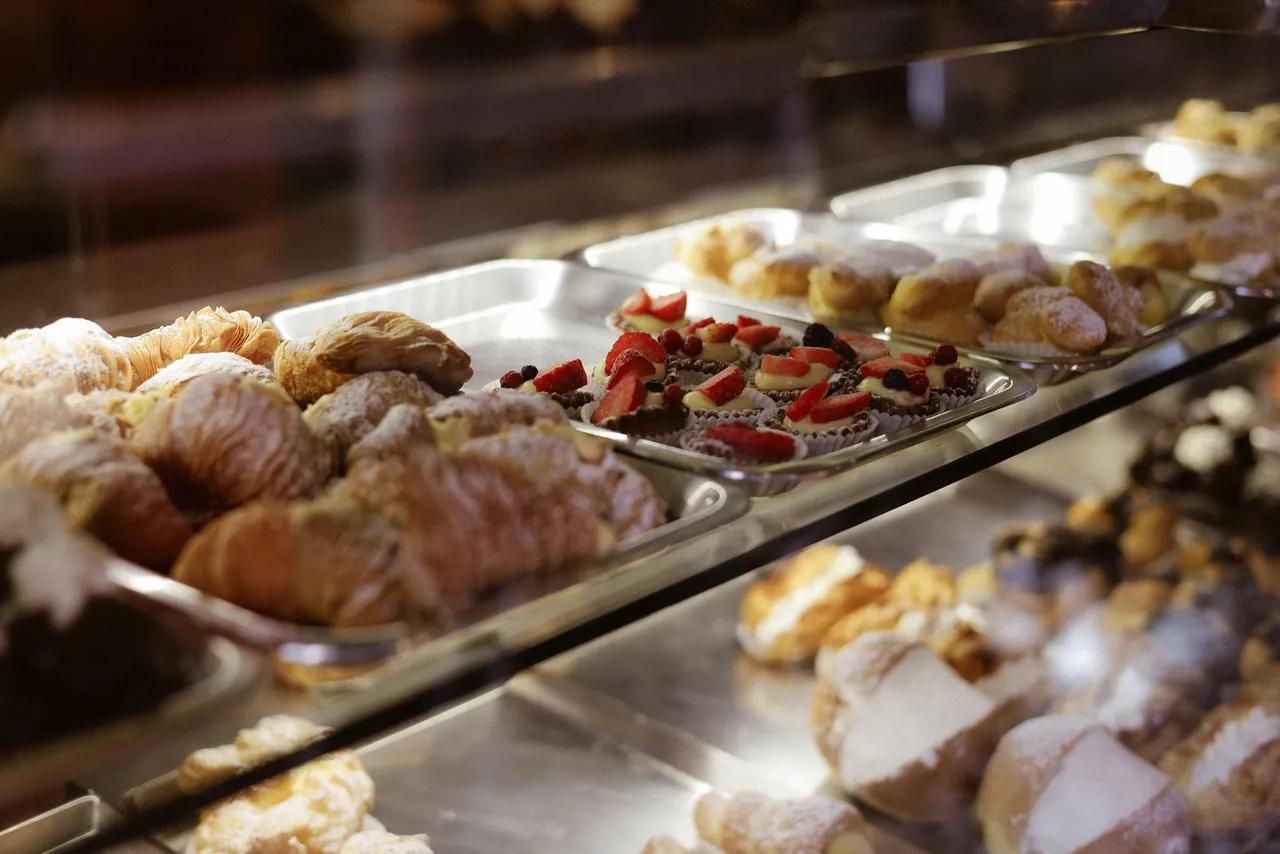
Why bakeries love a QR code menu
- Sell-outs handled instantly. Last sourdough gone at 10 a.m.? Remove it from the digital list so customers don't ask for what's not there — and add tomorrow's special the night before.
- Allergens in one place. Bakeries field constant "does this have nuts / gluten / dairy?" questions. Put full ingredient and allergen info behind the code so customers self-serve the answer and your team keeps the line moving.
- Daily bakes without daily printing. Rotating breads, seasonal pastries, and weekend specials change your menu constantly. Update the file in seconds instead of reprinting a counter card every morning.
- Small counter, big menu. A single code frees up counter space that a printed list or chalkboard would take — and fits your whole range, cakes-to-order included.
- Pre-orders and cakes. Point the code at a hub with your case menu plus a custom-cake order form or your online shop.
Where to place the code in a bakery
- On the counter, facing the queue — the highest-scan spot, so customers browse while they wait.
- On the display case glass — right beside what they're looking at.
- In the window — passers-by see today's bakes before they come in.
- On packaging or receipts — for repeat orders and cake enquiries later.
What to put on a bakery QR menu
Keep it phone-friendly: today's bakes at the top with a "Fresh today" tag, then your regular breads, pastries, and cakes, each with a price and a clear allergen line. A single-column PDF or a simple photo of your case card both work — see our QR code menu examples for layouts that read well on a phone, and thefree QR code menu template for exact sizes.
It's free, and live in minutes
QRHut's Free plan covers one bakery with unlimited scans, free forever. Upload aPDF or a photo of your case card, print the code, and update it whenever the case changes.Create your bakery's free QR code menu today — no app for your customers, nothing to reprint. Run a cafe or restaurant too? See our guides forcafes andrestaurants.